
1-1. Sign in Aster
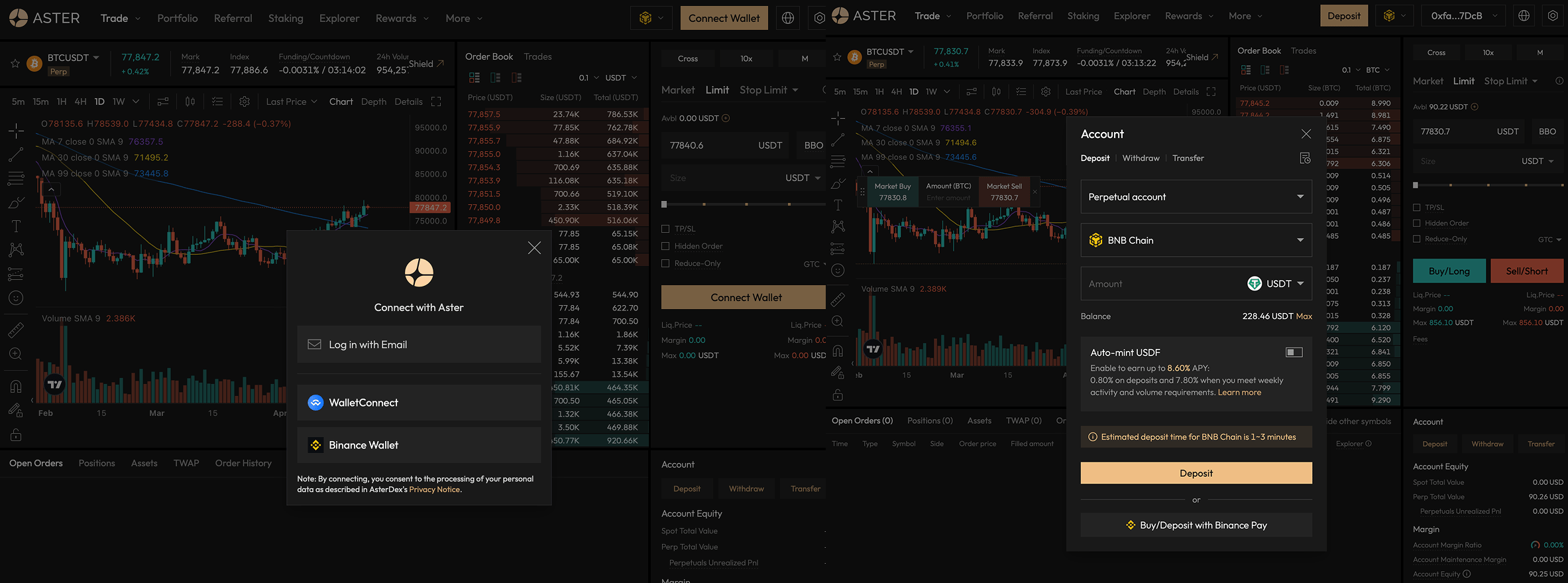
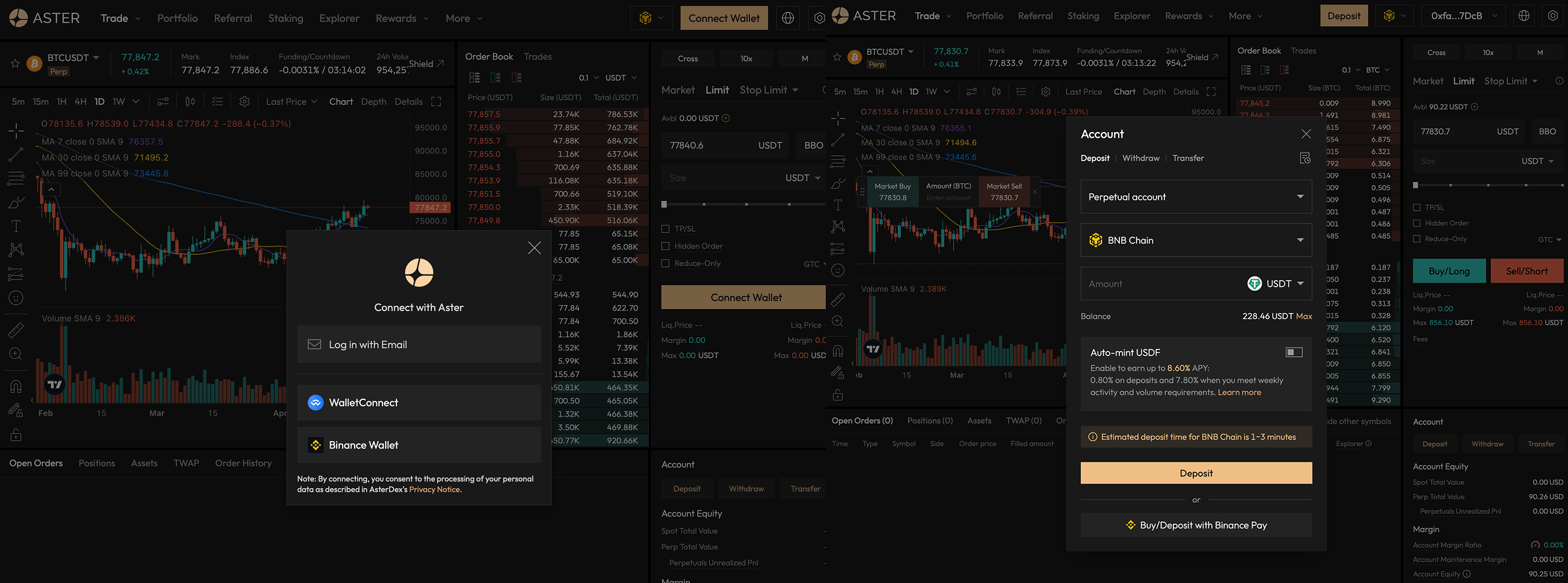
Sign in Aster
1-2. Sign in 0x1
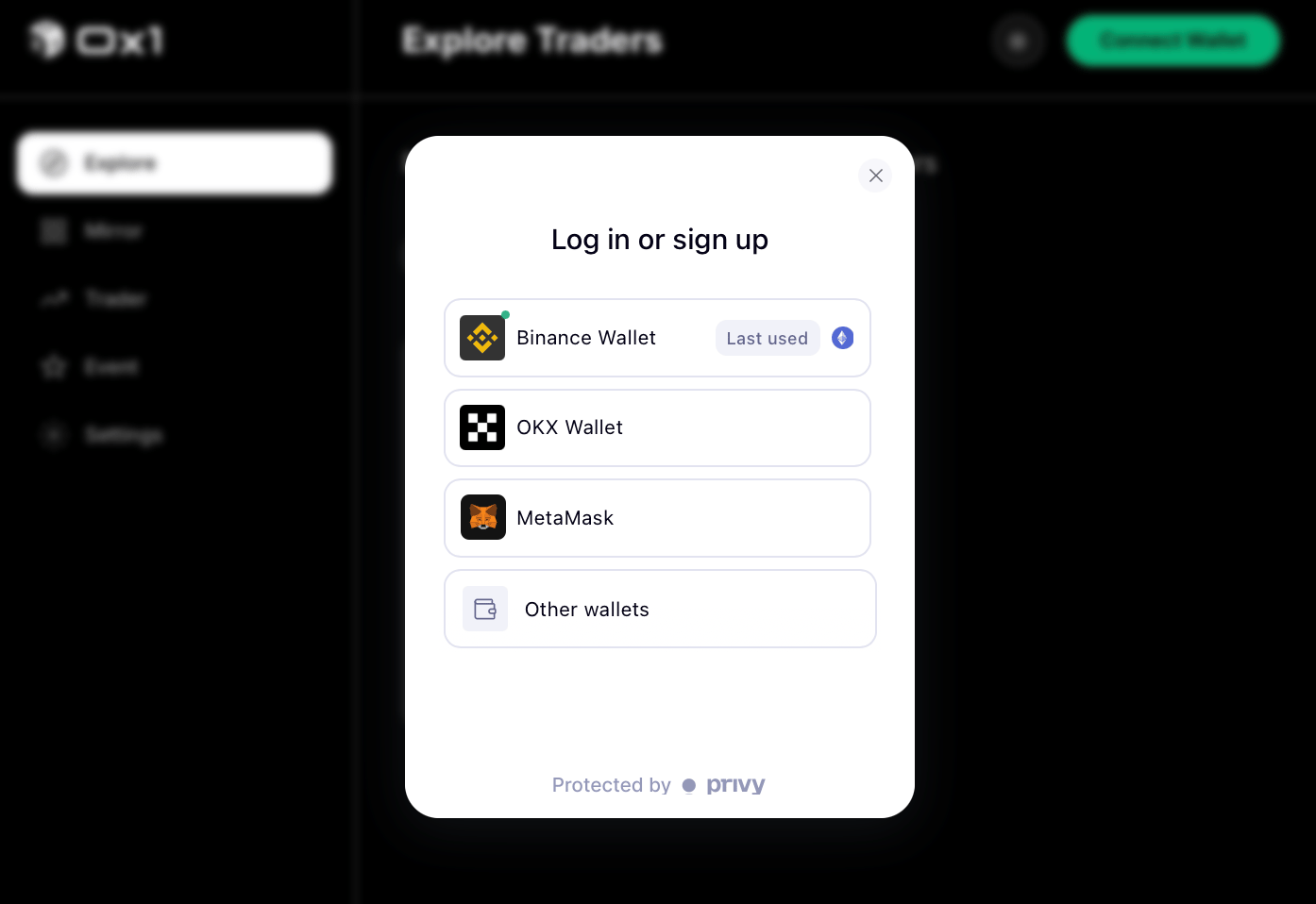
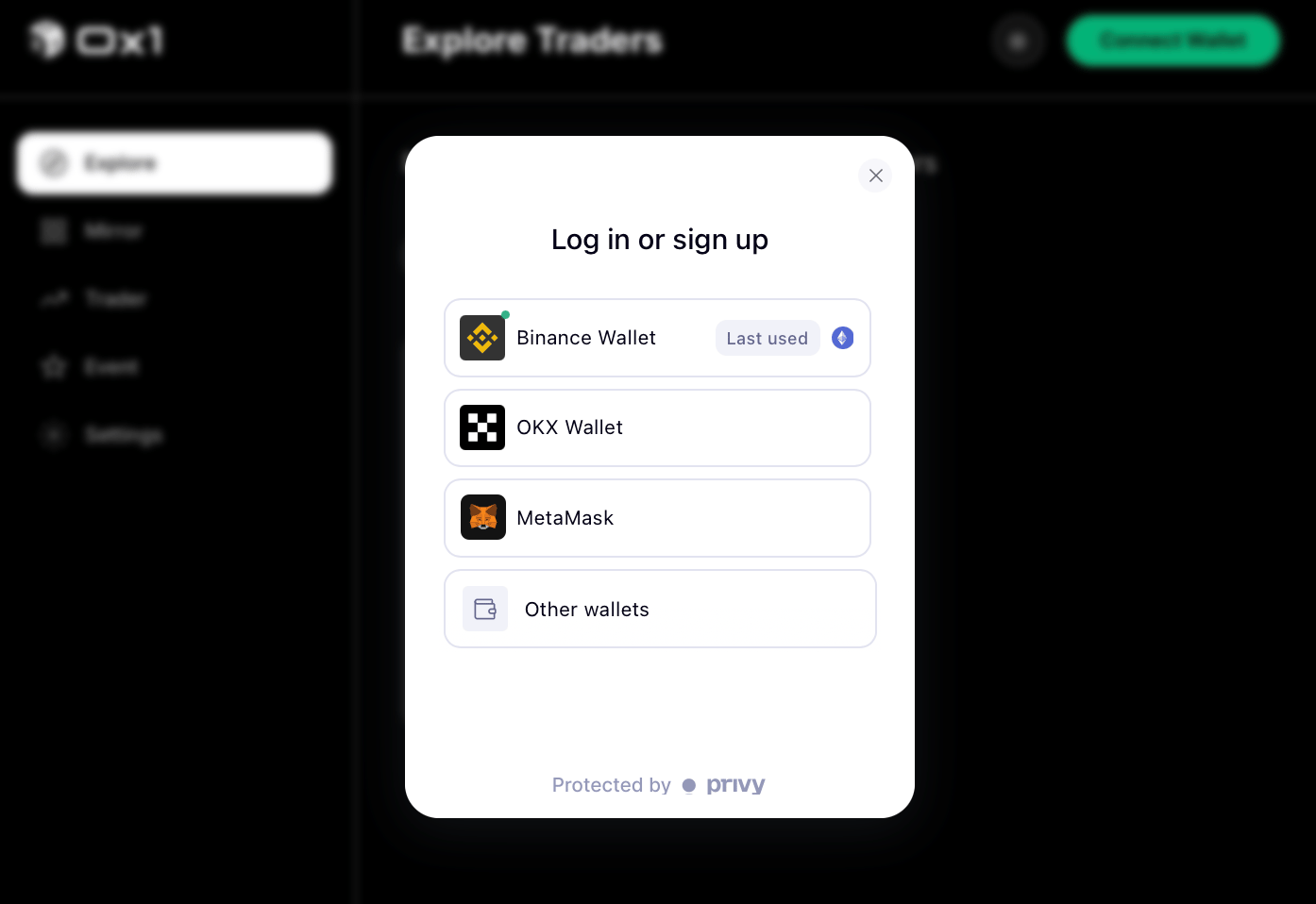
sign-in 0x1
2. Explore mirror traders
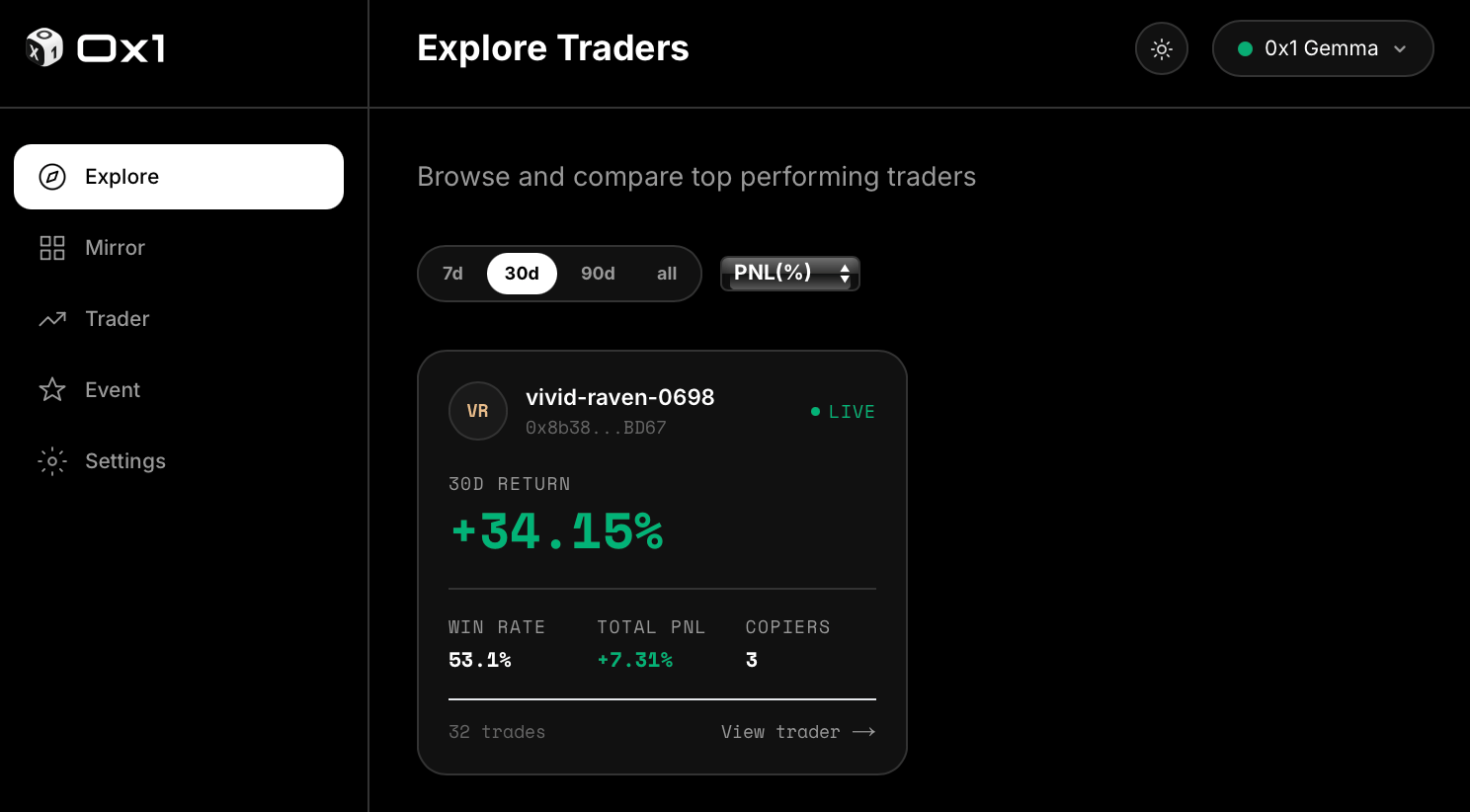
Leaderboard filtered by 30-day PnL, with volume and drawdown visible.
What to look at before following a mirror trader
What to look at before following a mirror trader
- Consistency — look for a long run of positive PnL, not a single large win.
- Drawdown — the worst loss they ever took back-to-back tells you what a bad month on your account looks like.
- Volume — low-volume mirror traders can look impressive on small sample sizes. Prefer mirror traders with meaningful throughput.
- Fee — compare the fee they charge to their net (post-fee) returns.
3. Start mirroring
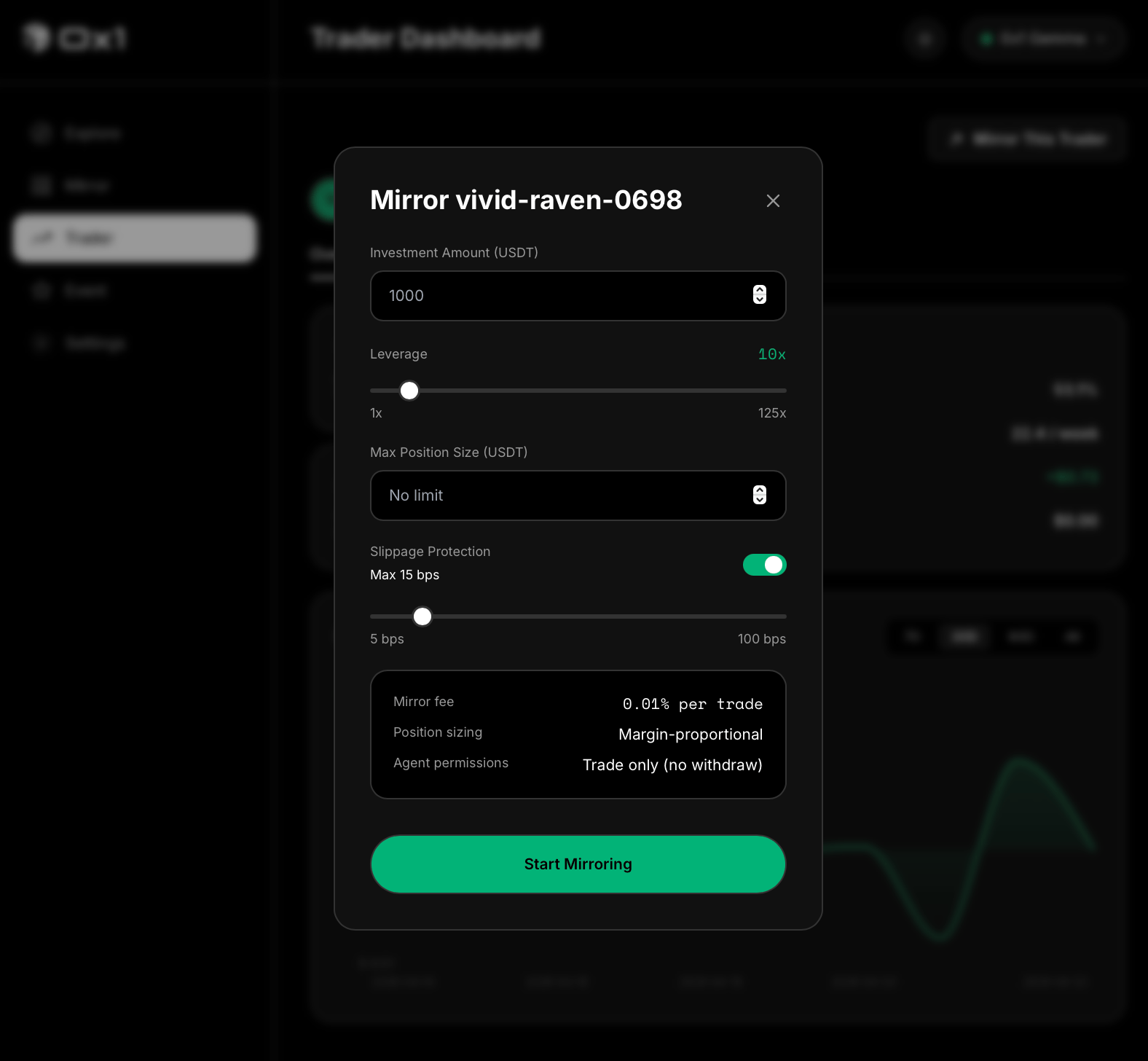
Starting a mirror: allocation, leverage cap, slippage tolerance.
- Allocation — how much of your capital this mirror is allowed to use.
- Leverage cap — the maximum leverage the engine can apply on your behalf (up to 20×).
- Slippage tolerance — how far the market can move before the engine skips an order.
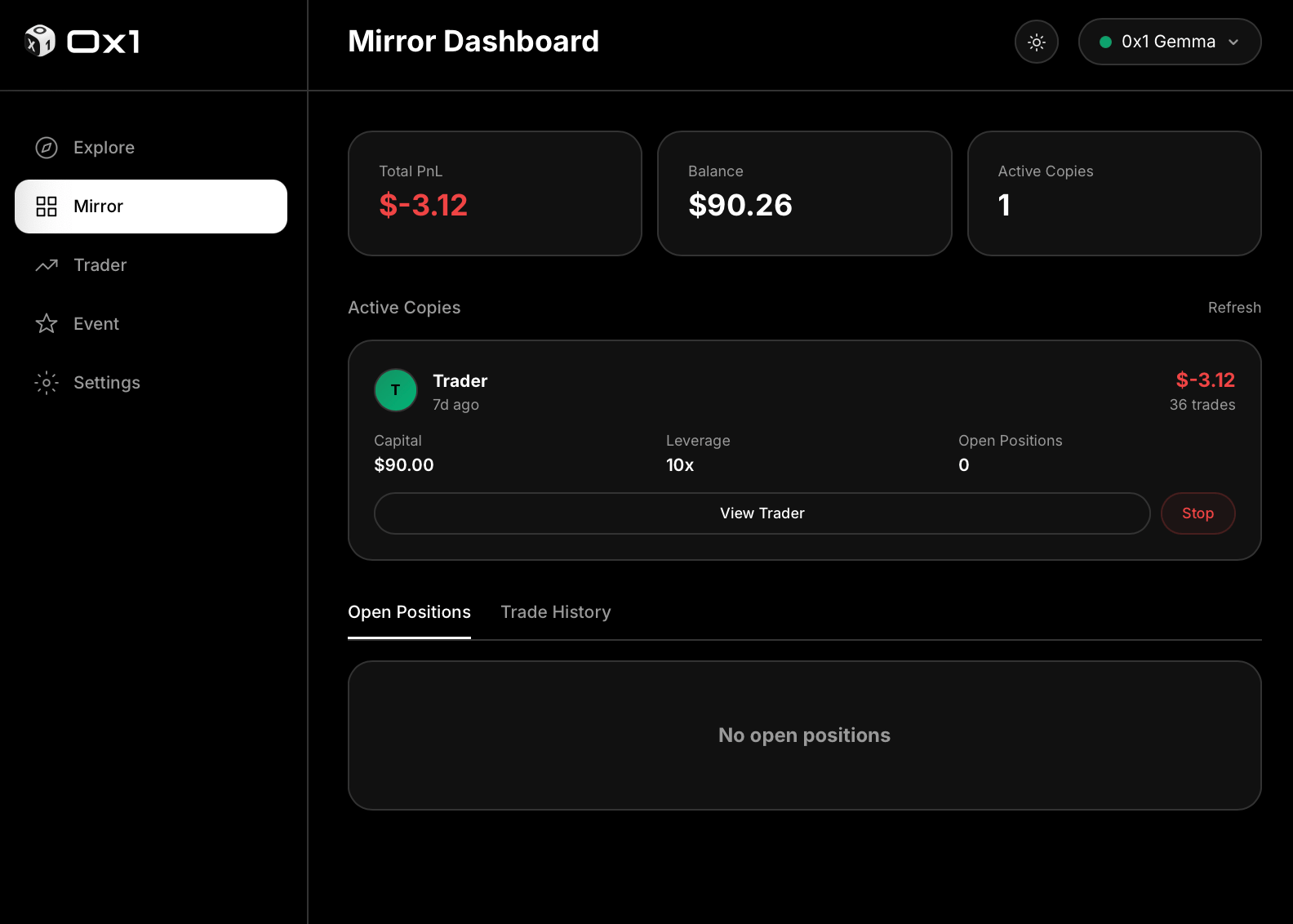
Starting a mirror, end to end.
4. Monitor
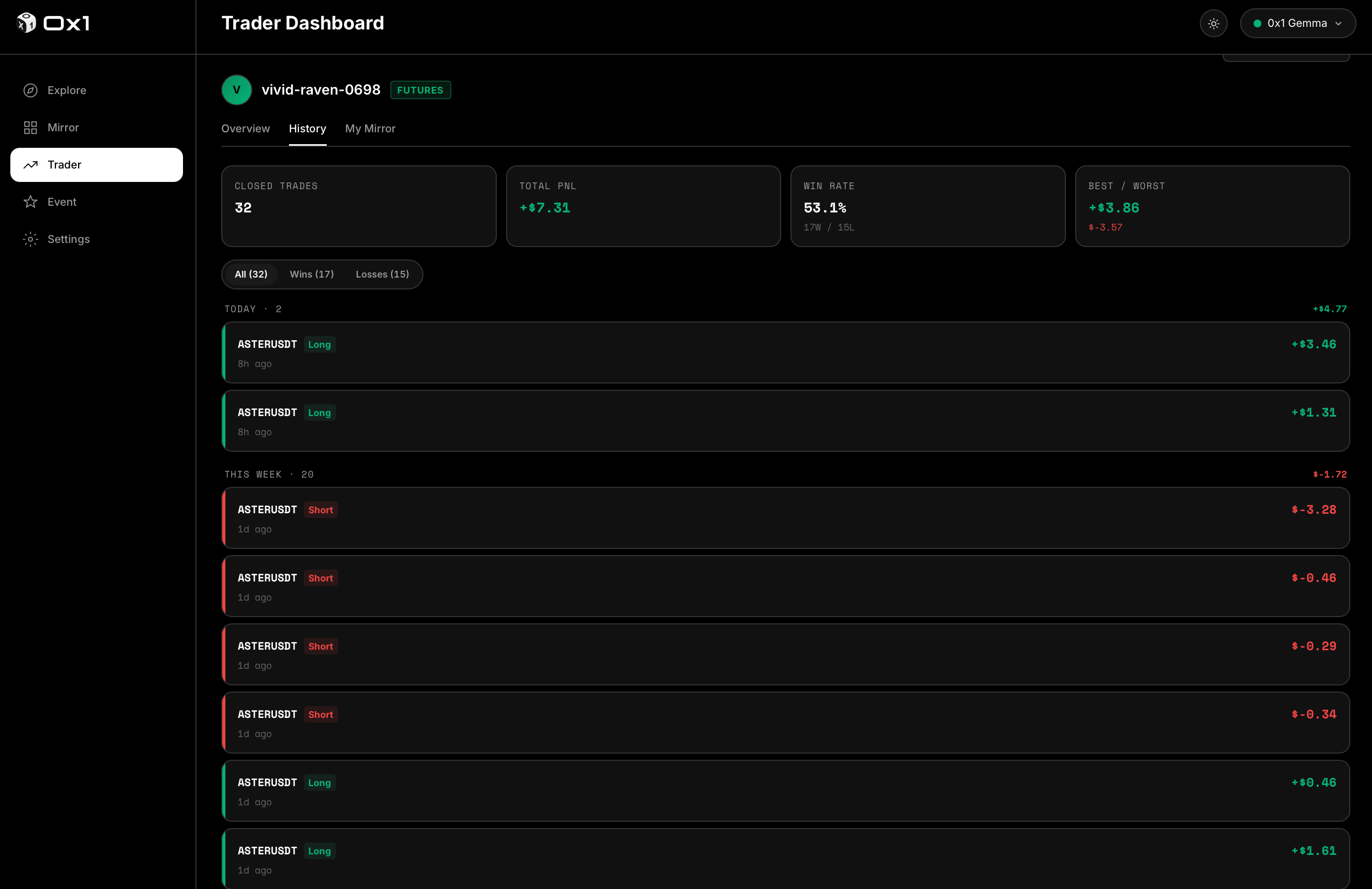
Live positions, grouped by mirror trader.
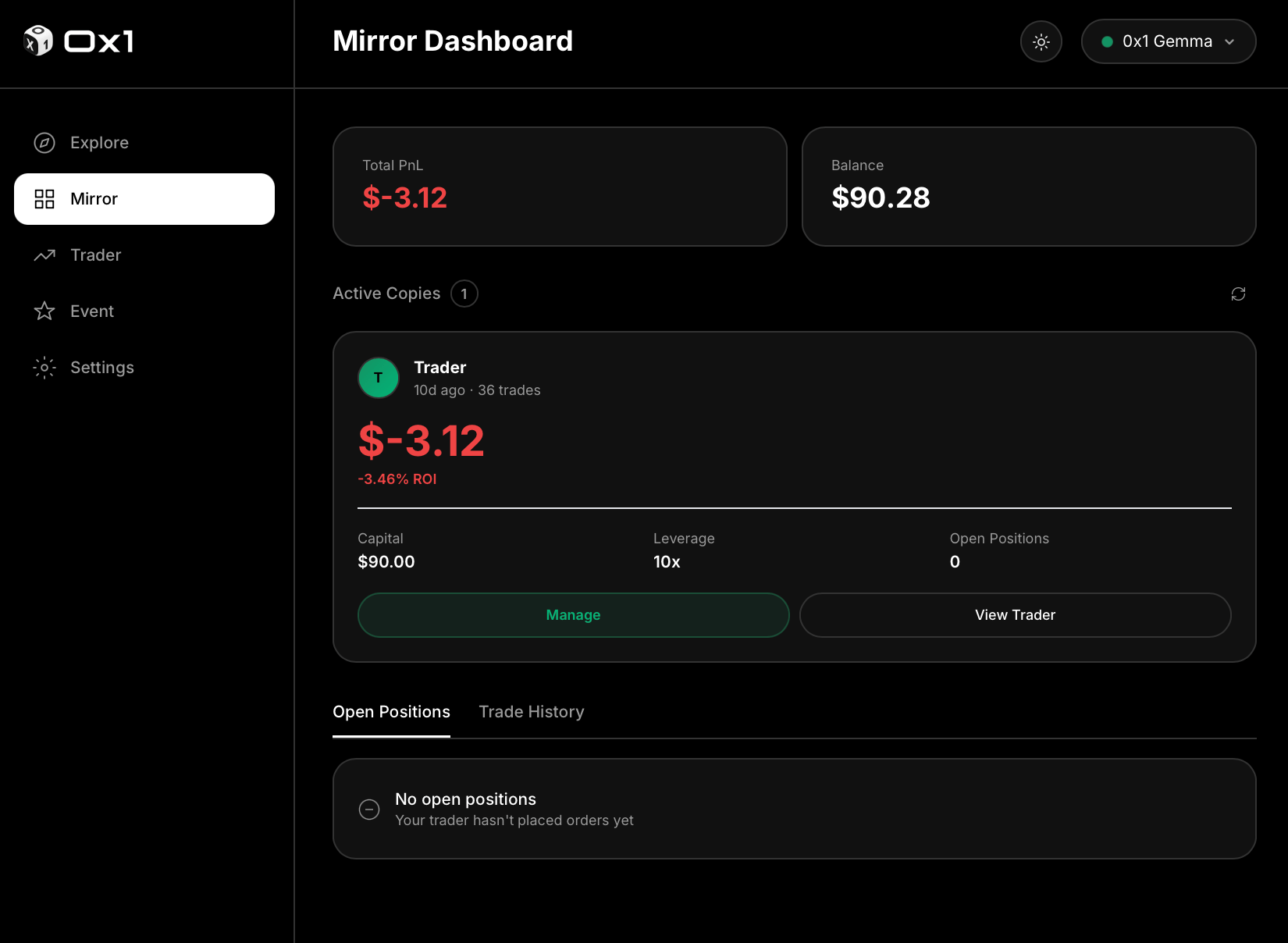
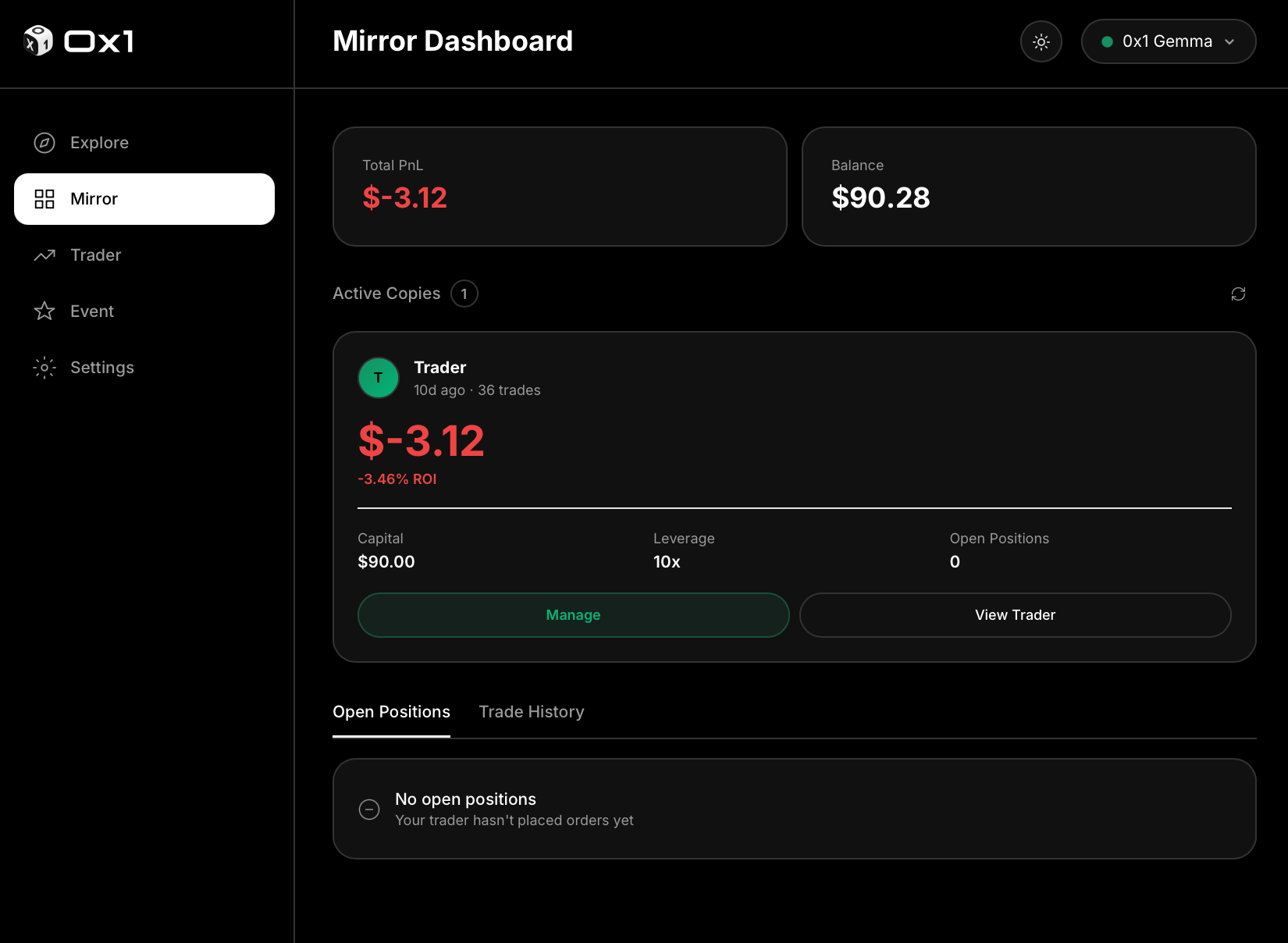
Positions updating in real time.
5. Pause or stop
Pause a mirror (keep existing positions open) or stop it (close and unbind).
- Pause — stop mirroring new trades from this mirror trader, but leave your current positions open. Useful if you want the mirror trader’s open trade to play out on your book but don’t want more exposure.
- Stop — close your open mirror positions for this mirror trader and unbind. After stopping, the mirror trader no longer generates orders on your account.
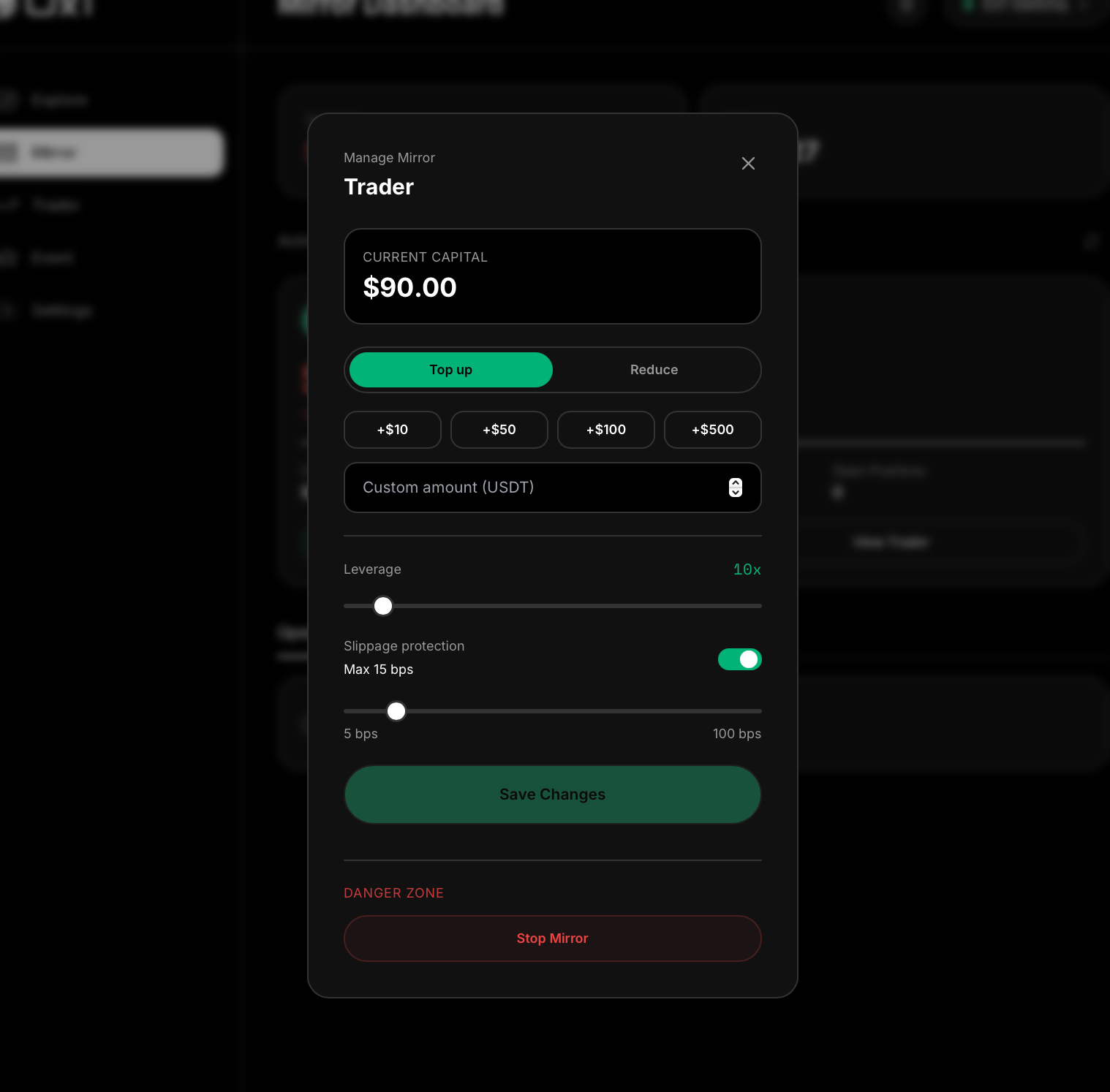
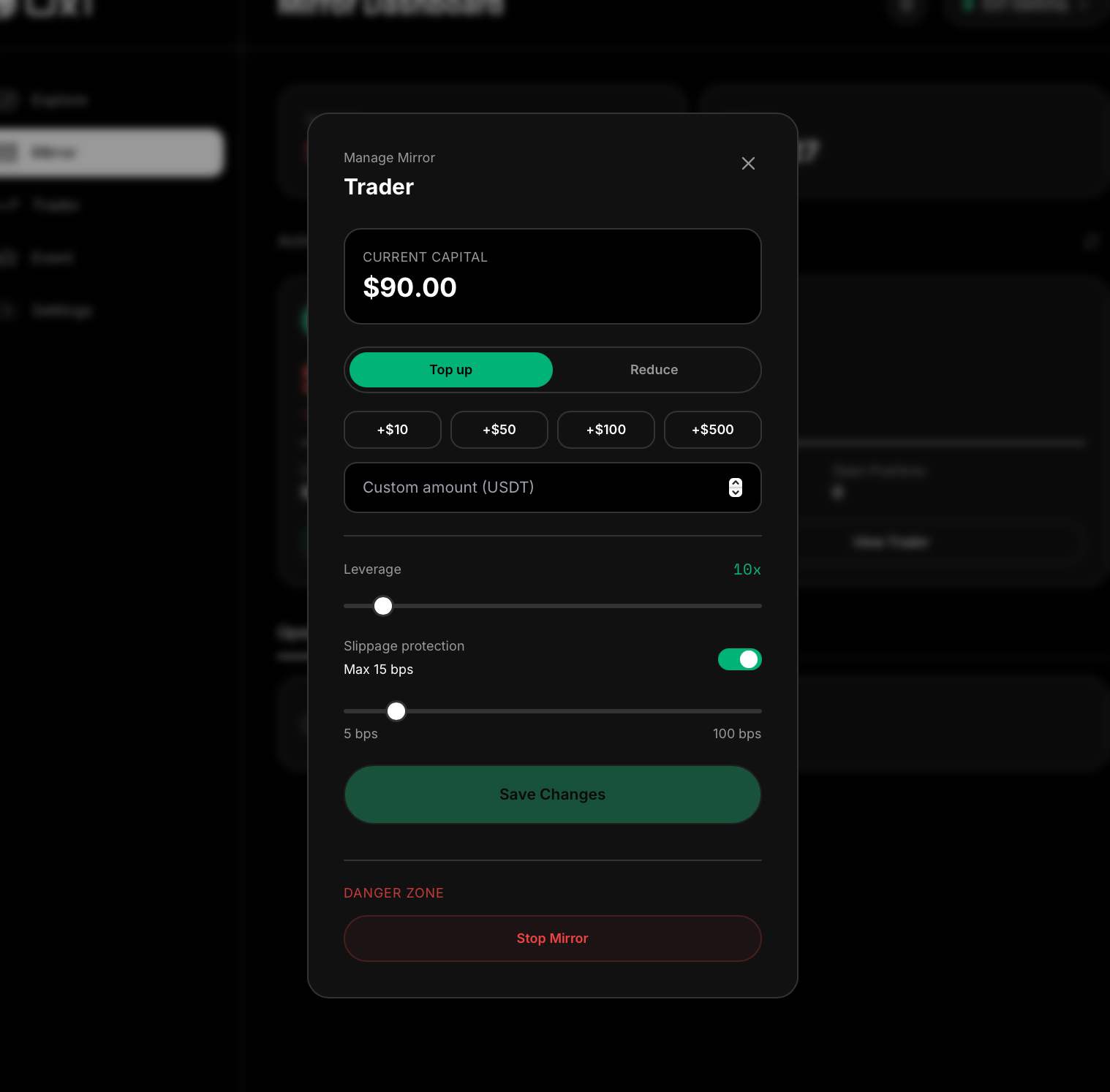
Pausing and stopping a mirror.
6. Withdraw
Withdrawing settled balance.
0x1 never holds follower funds. Deposits, margin, and withdrawals all settle directly against the follower’s Aster account.
Optional: token-based cashback
TBD — under redesign. The OxOne/ve0X1-based follower cashback structure is currently under review. Full details will be published here and on the Token Economy page once finalized.