Go from zero to mirroring a top mirror trader in 60 seconds.
This guide gets you mirroring a top mirror trader as fast as possible. If you want to understand what is happening under the hood, start with How the Engine Works. If you want to compare earnings and fees before starting, read Earnings Model. Otherwise — follow the steps below.
1
Sign in
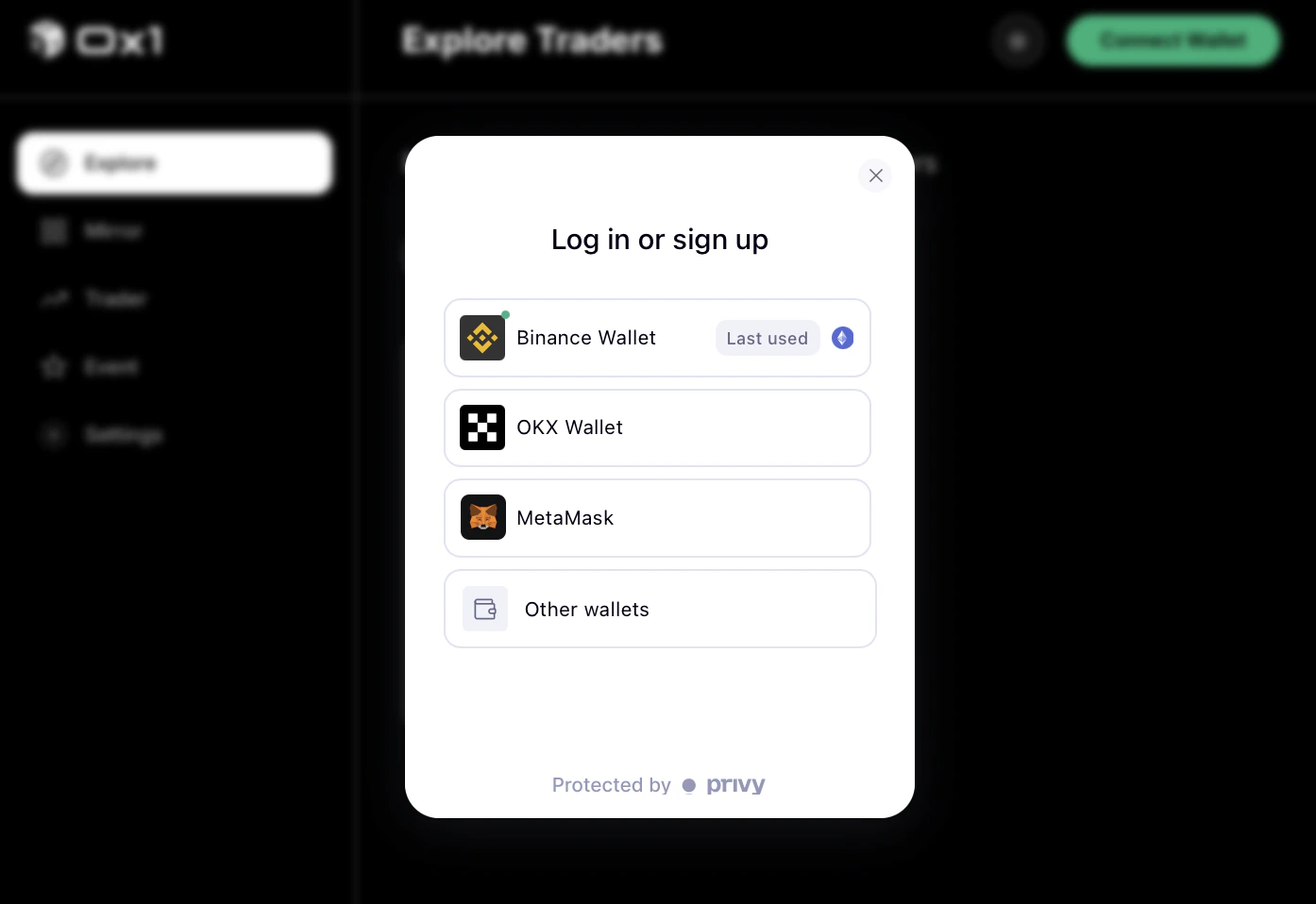
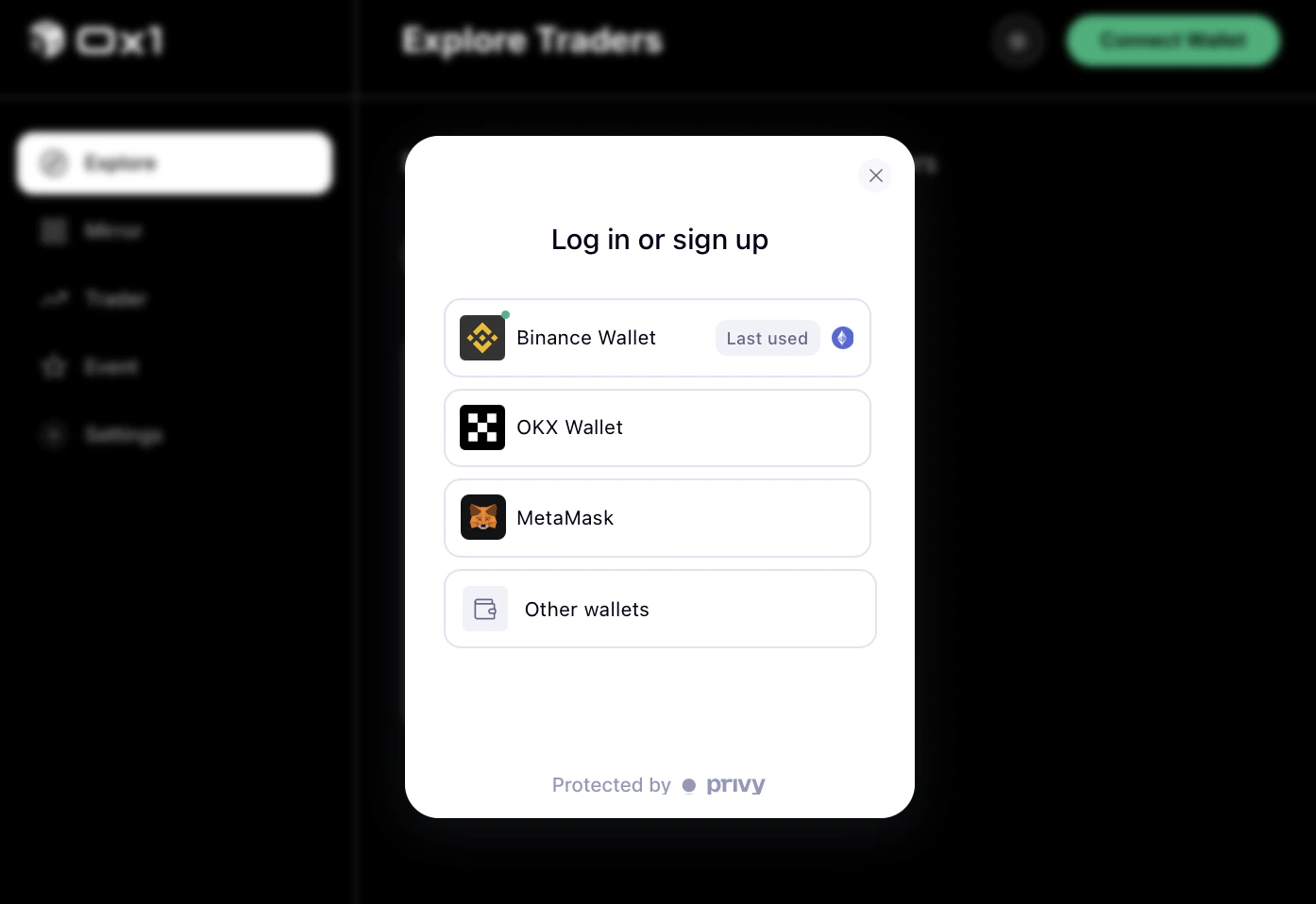
If you are Aster user, Go to 0x.one and sign in with same wallet of Aster.If you already have a self-custody wallet (MetaMask, OKX, Binance), connect it directly.
Sign-in options: email, Google, or wallet.
2
Fund your account
Deposit USDT to your Aster account. The minimum amount to start mirroring is determined by the leverage cap and allocation you set in the next step — there is no platform-imposed minimum, but very small allocations may be skipped by the engine if the resulting order size falls below Aster’s minimum order size.
If this is your first time, start with a small allocation — enough to see the mirror engine work without taking on full risk exposure until you are comfortable with how it behaves.
3
Pick a mirror trader
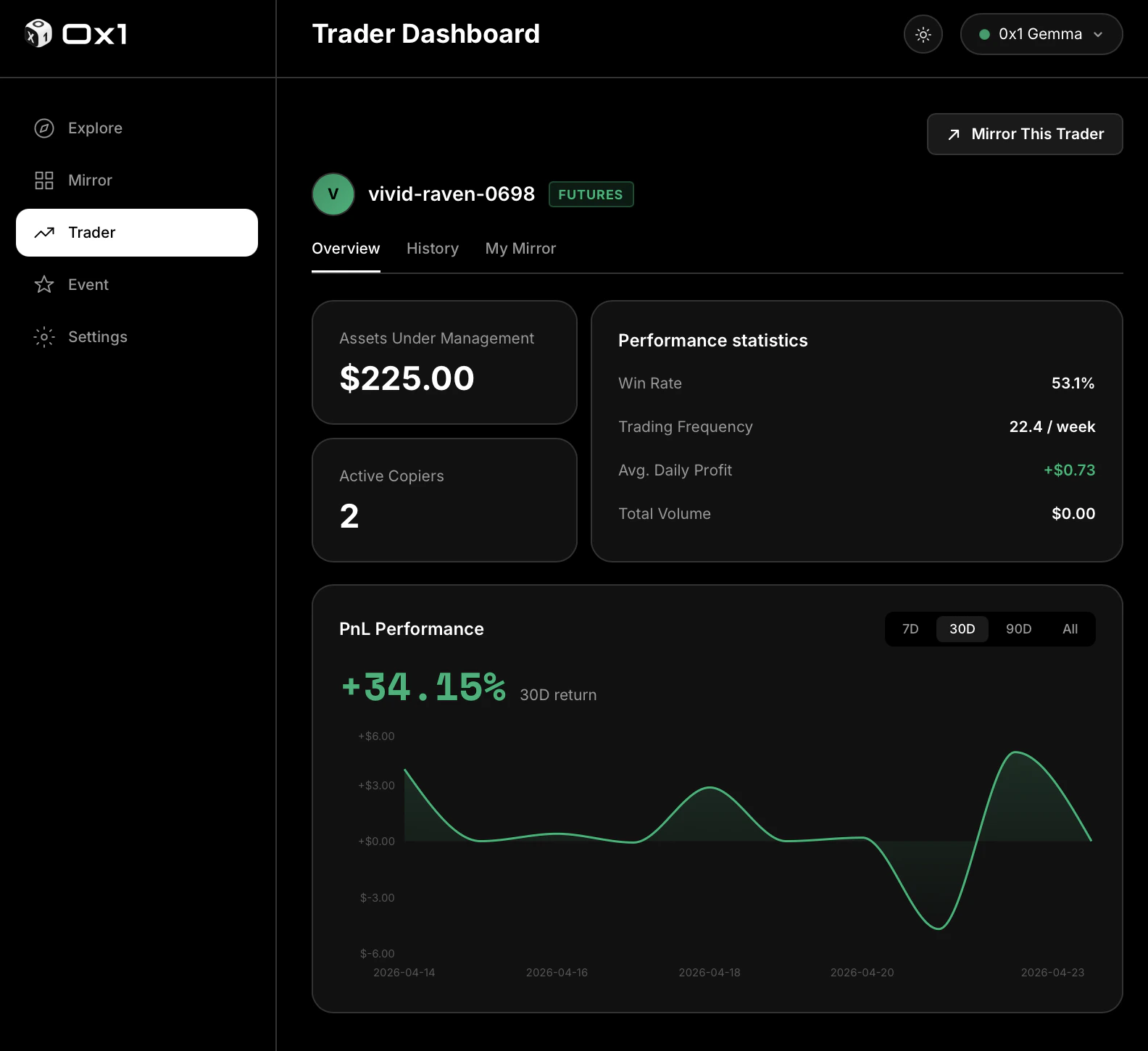
Open the leaderboard. Sort by 30-day realized PnL, then look at drawdown and win rate for the top results.
Leaderboard sorted by 30-day PnL.
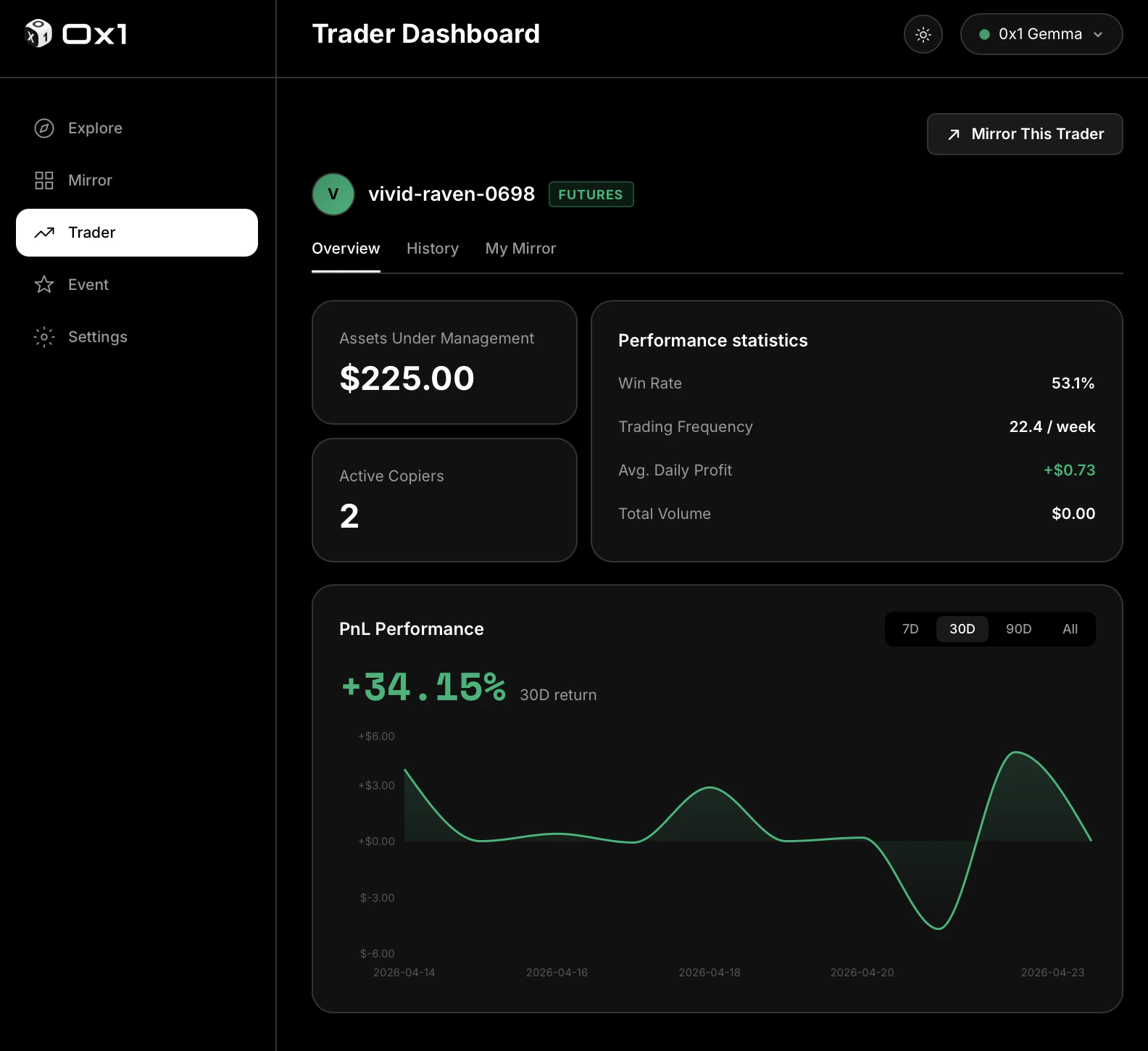
Click any mirror trader to see their full track record — historical positions, risk stats, and the fee they charge. When you find one you want to follow, click “Mirror this trader.”
4
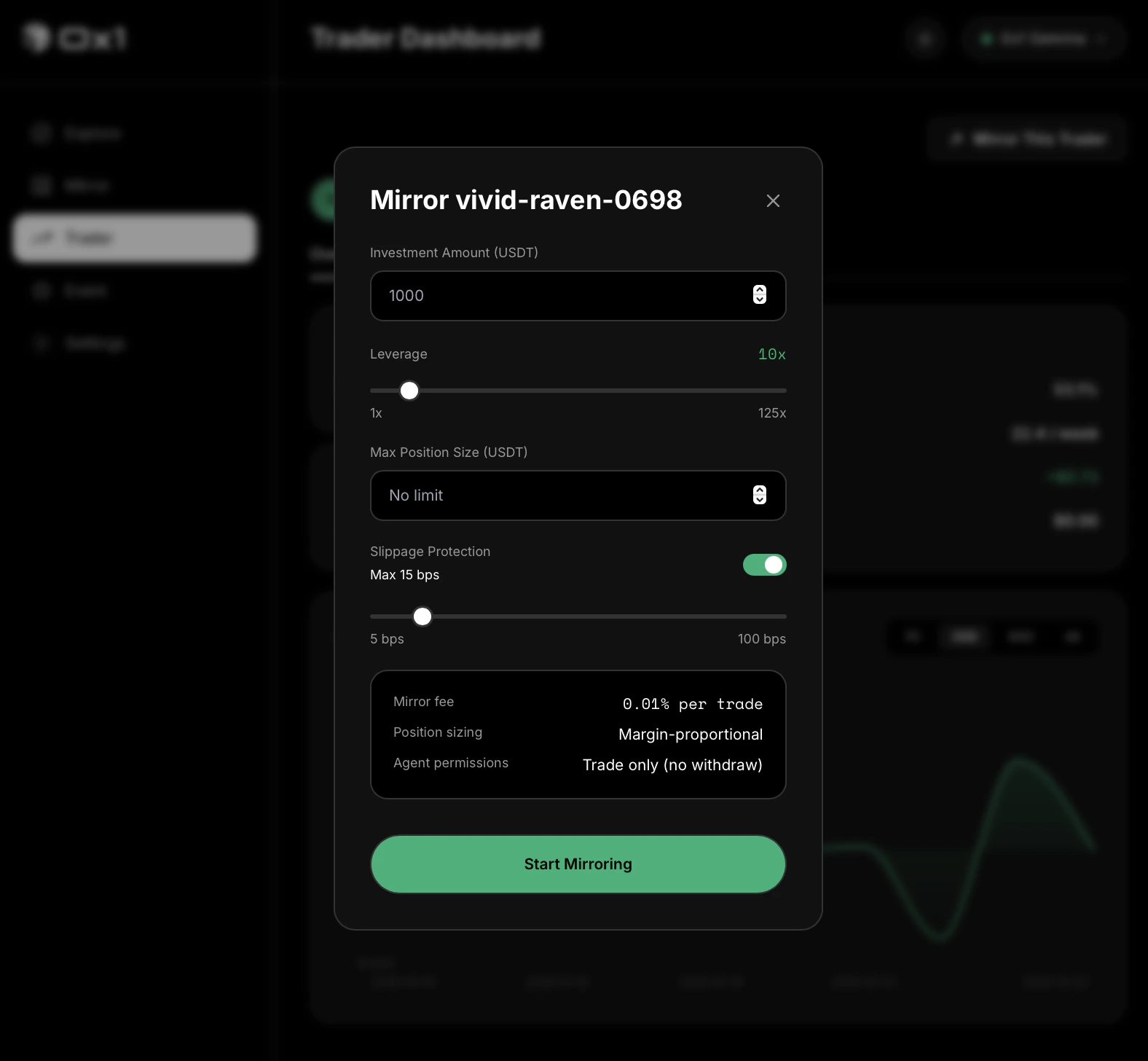
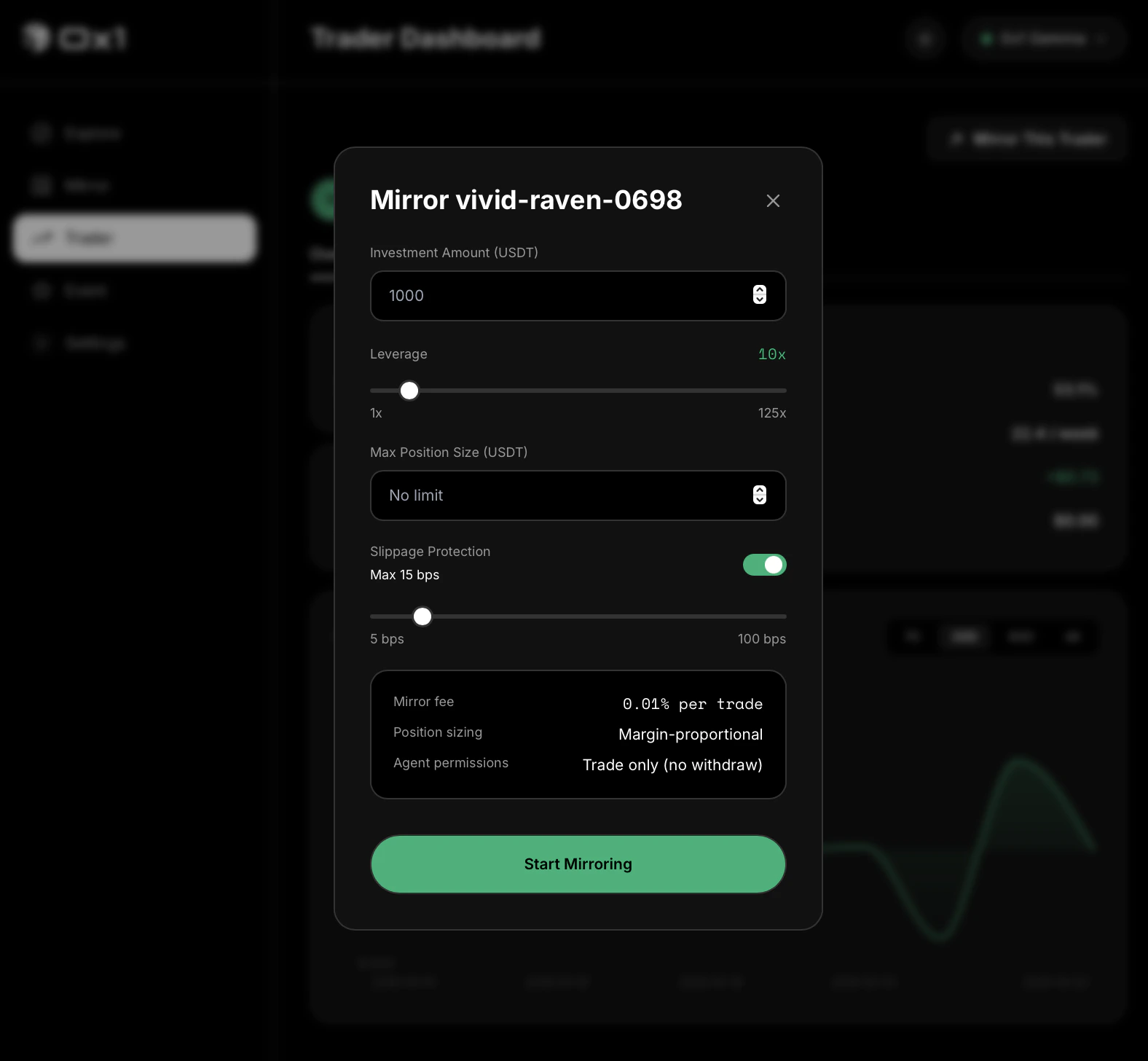
Set your allocation and limits
Three numbers to set before the mirror starts:
Allocation — the portion of your account balance this mirror can use. Start conservatively: you can increase it later.
Leverage cap — the maximum leverage the engine applies on your behalf. Default is 5×; maximum is 20×. Lower is safer.
Slippage tolerance — how far the market can move before the engine skips an order instead of filling at a worse price. Default: 0.5%.
Confirm the settings. The engine is now active. The next trade the followed mirror trader places on Aster generates a proportionally sized order on your account within sub-second latency.You can monitor your positions in real time on the Positions tab, pause or stop any mirror at any time, and withdraw your settled balance whenever you want — no lock-up.
The Positions tab shows your open mirrors grouped by mirror trader, with entry price, current mark, realized and unrealized PnL, and fees paid.
Pause or stop
Pause keeps existing positions open but stops new mirrors. Stop closes your mirror positions and unbinds the mirror trader. Both are available instantly from the position view.
Withdraw
Your settled balance on Aster is always yours. Withdraw any amount from the dashboard at any time.
Adjust settings
You can change allocation, leverage cap, and slippage tolerance on any active mirror without stopping it. New limits apply on the next order.
0x1 does not hold your funds. Everything settles directly on Aster. The mirror engine acts on your behalf using an agent key you can rotate or revoke at any time.